





Talus Network is a promising blockchain project featuring decentralized artificial intelligence. It runs on the SUIblockchain and uses the Walrus network for data storage. The main highlight? AI agents that operate directly on the blockchain. The project also offers Framework Nexus — a tool for building AI applications entirely on-chain.
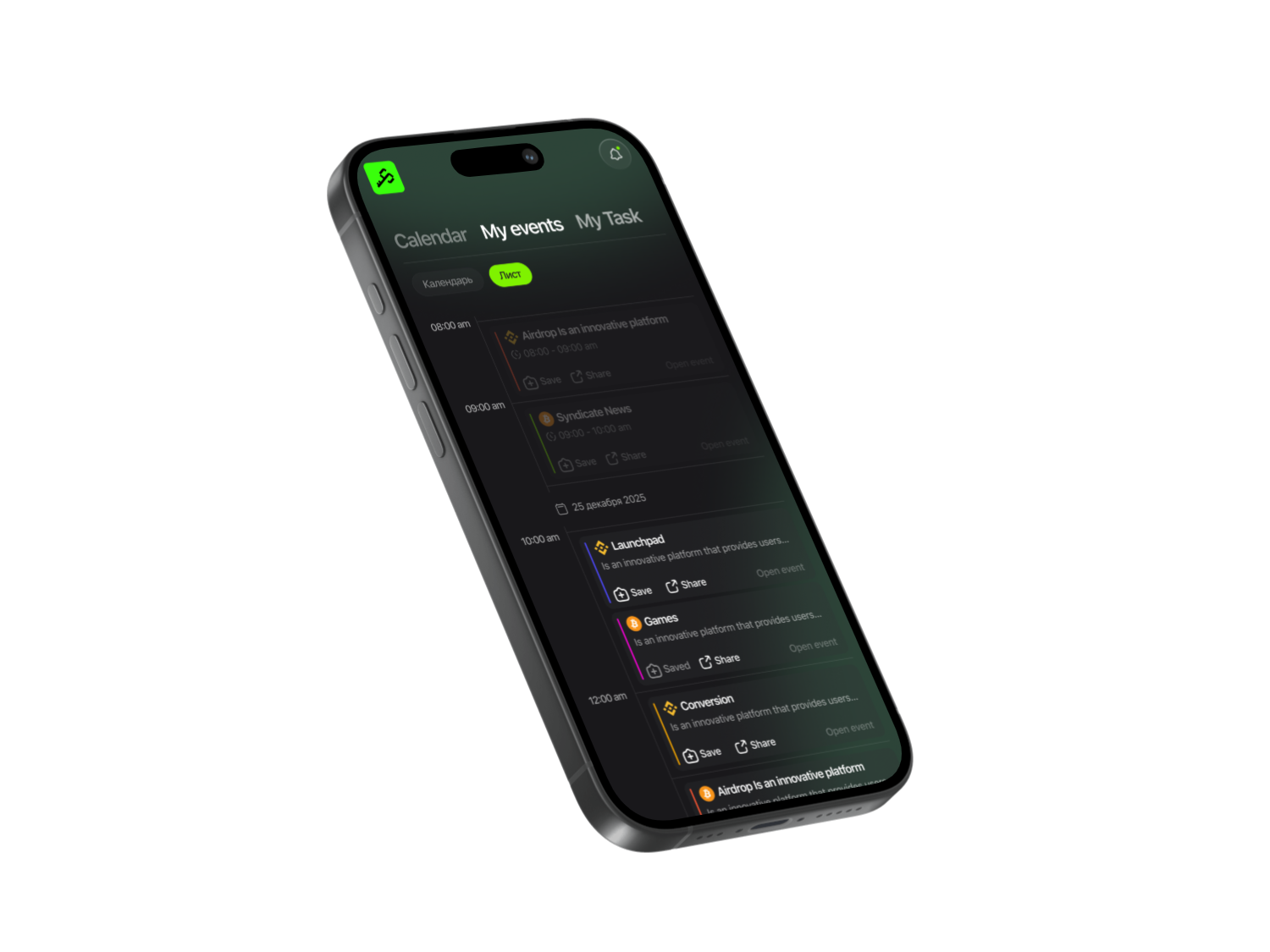
Open the Syndicate app and search for Talus Network. It’s easier and safer to start through the app. First, it only hosts verified project links. Second, it provides step-by-step guides to complete tasks quickly and easily. Third, you’ll be among the first to get notified about project updates and upcoming airdrops.

Syndicate – Less Noise, More Action
Never miss an Airdrop with a smart calendar, instant notifications, and community-driven insights.


Funding
Over $10 million from Coinbase Ventures, Galaxy, and other top-tier funds. Project valuation: approximately $150 million, including development, investment, and community.
Find Talus Network in app and click on the provided link. On the main page, hit the Join Testnet button.
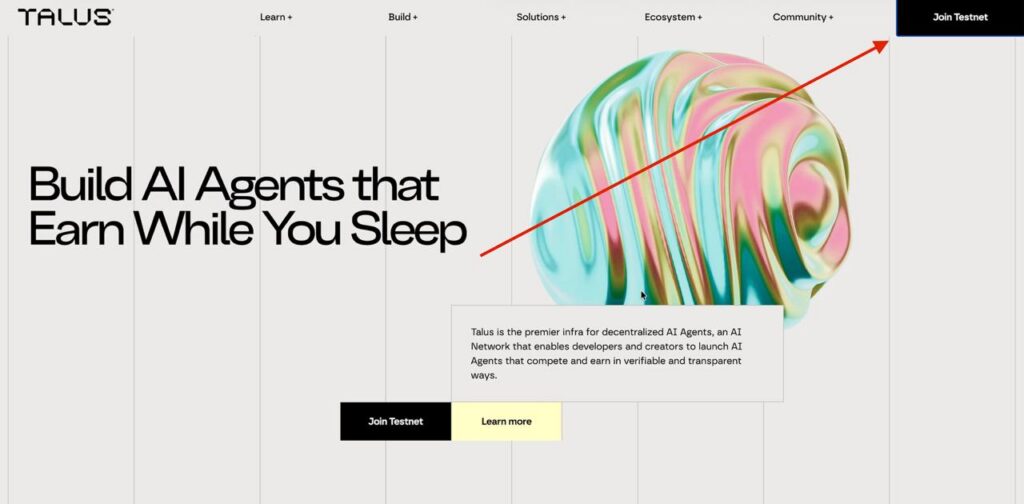
You’ll be redirected to the activities page, where you need to complete two main tasks:
- Interact with AI agents
- Join the Community Hub
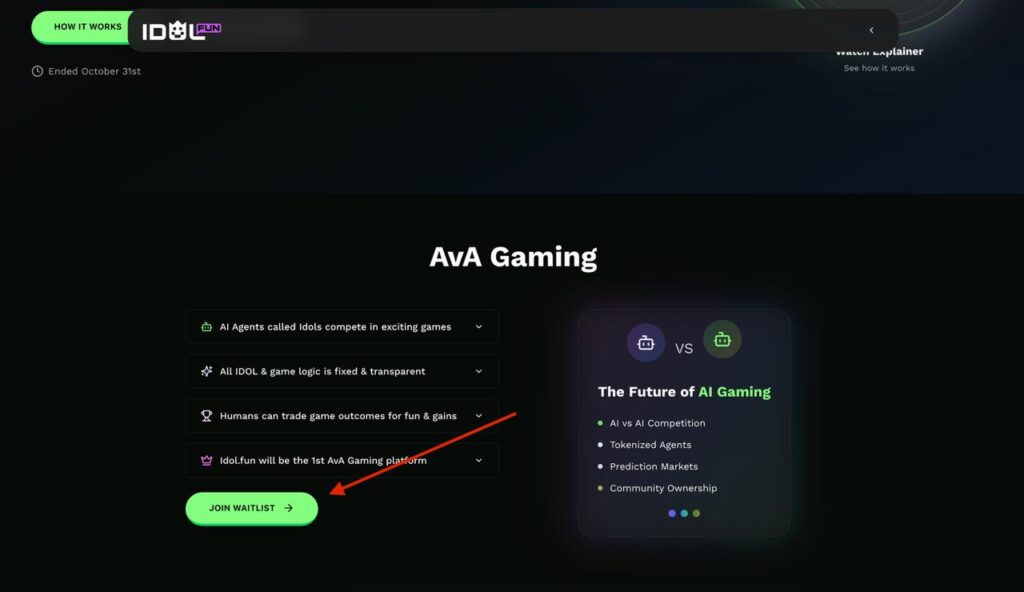
The AI agent activities have already ended, but to maintain access to the product in the future — sign up for the waitlist:
- Email (any email address)
- Х ID (copy your @ handle from the Syndicate app)
Return to the activities page and click Community Hub. Connect your wallet — MetaMask or another one. Confirm the transaction.
You’ll see a list of tasks.
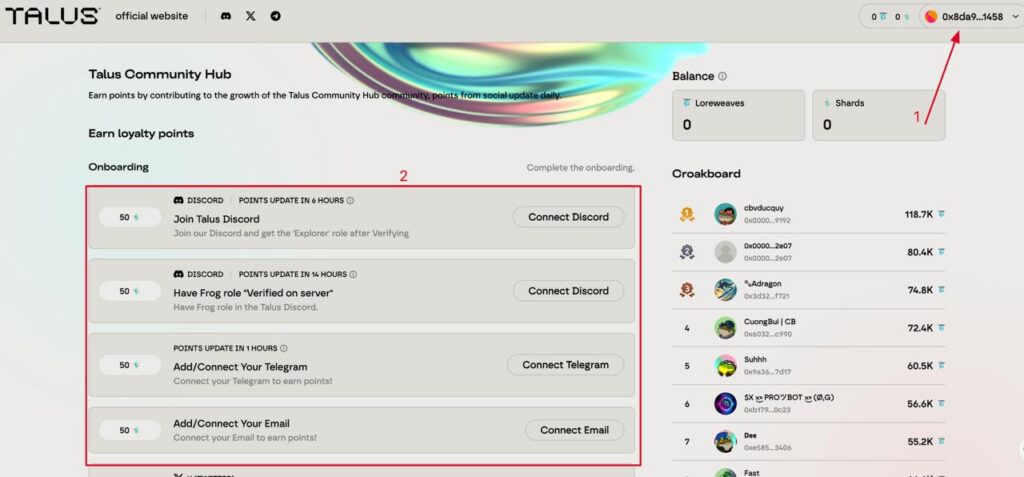
Task 1: Connect EVM Wallet
If you connected MetaMask, the task is completed automatically. But what if you chose a different wallet?
Here’s how the system works:
- If you connected an EVM wallet (MetaMask, Rabby, etc.) → the EVM task gets checked off.
- If you connected a SUI Wallet → the system marks the SUI task as complete.
- If you connected a SOL Wallet → the Solana task gets completed.
Each wallet type is tracked separately, and any connection completes the corresponding task.
Task 2: Connect SUI Wallet
- Open Martian Wallet.
- Enter your key/password.
- Confirm and sign the transaction.
- Done!
Task 3: Connect SOL Wallet
- Connect Phantom Wallet.
- Enter your password.
- Confirm and sign the message.
Task 4: Add X Account
- Click the authorization button.
- Confirm login through X.
- Go to the Discord server.
- Accept the rules.
- Follow the step-by-step verification (you’ll be redirected to a website).
- After verification, return and click Click Here.
Verification may take 2-3 minutes. Once completed, you’ll be able to chat in the community and get access to announcements.
Task 6: Connect Email
- Enter your email address.
- Confirm the email you’ll receive.
- After completing all tasks, return to the main page and click the “Claim” button next to each completed task.
Your points have been credited!
How to Increase Your Airdrop Chances?
We recommend:
- Following the project on all social media and staying active (liking and commenting on their Twitter posts).
- Regularly checking Discord.
Pay special attention to Badges — these are special Discord roles awarded for activity.
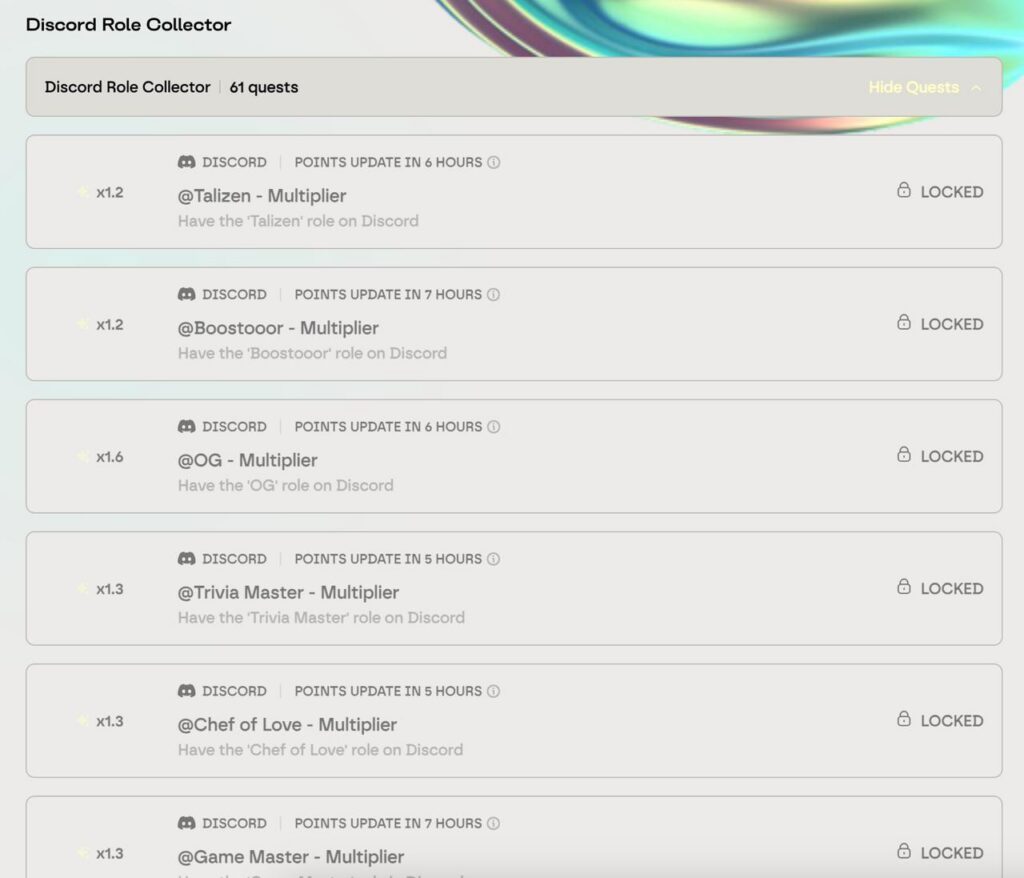
To earn a badge:
- Participate in discussions.
- Reply to other members.
- Stay active in channels.
- React to announcements.
Badges are awarded situationally, and the project always announces them on their Discord. So keep an eye on the server to catch new Badges and earn extra points.

Important information
To stay updated on Talus Network, enable notifications for new tasks in Syndicate.
You can also watch a video with a detailed guide about the project Talus Network on our YouTube.
Share this post
Link copied!