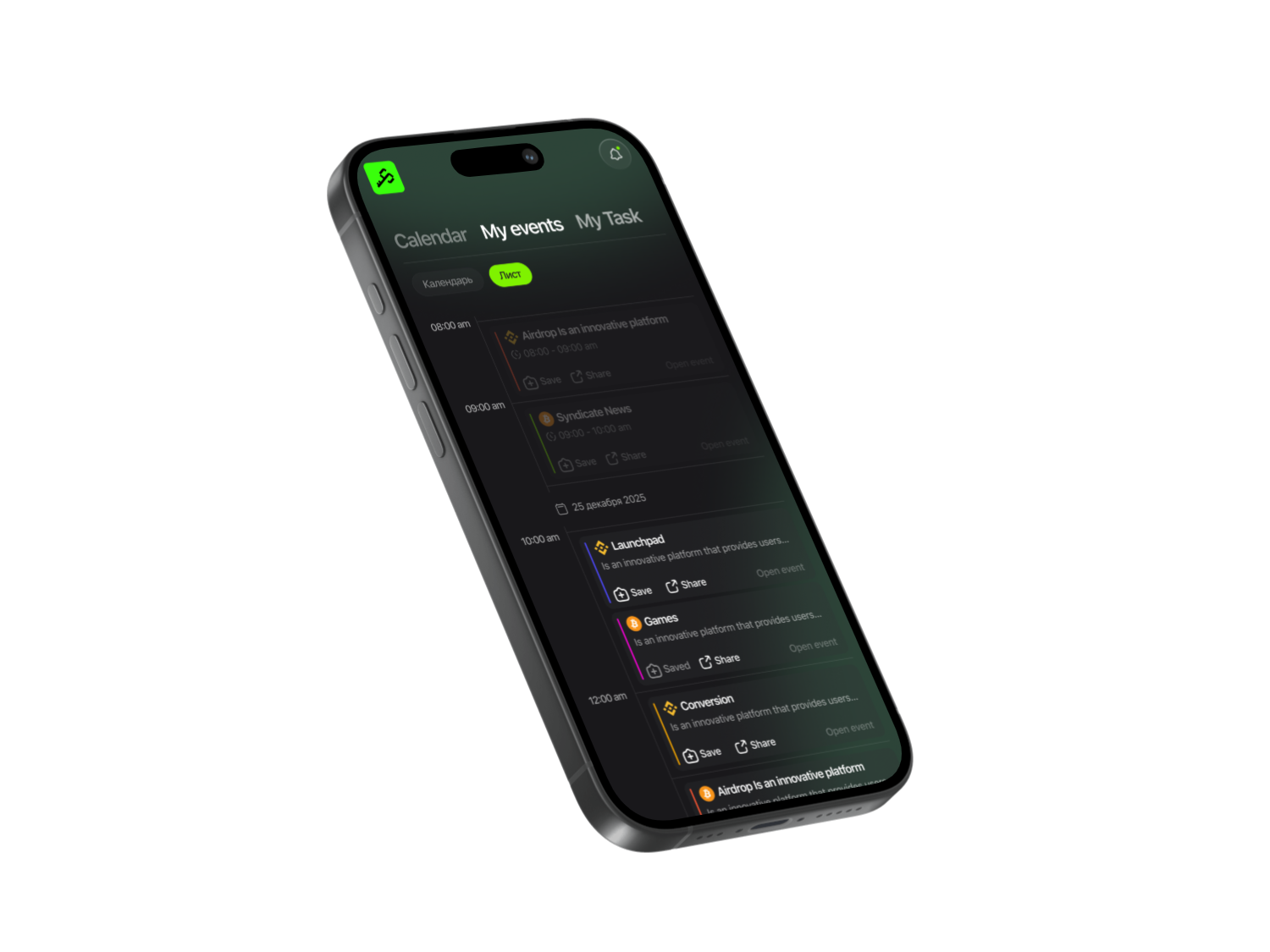






A crypto wallet is a digital service used to store cryptocurrency. It holds the private keys that give you access to your funds and allow you to make transactions. Without a wallet, you can’t fully manage your crypto assets.
Types of wallets
- Cold wallets — physical devices that store your keys offline. They offer the highest level of security because they aren’t connected to the internet.
- Hot wallets — online services that work through the internet. They’re more convenient for everyday use and offer more features than hardware wallets. Each hot wallet has its own specifics.
Top 10 Most Popular Crypto Wallets
MetaMask
One of the most popular wallets for Ethereum and ERC-20 tokens.
Main advantage: it lets you interact with the Ethereum ecosystem without downloading the entire blockchain. You can use decentralized apps (DApps) without running your own node. MetaMask works as a browser extension for Chrome, Firefox, and others, bridging your regular browser with the Ethereum blockchain. Besides Ethereum, you can manually add the BNB Chain network to work with BEP-20 tokens.
How to use MetaMask
When sending tokens through MetaMask, you must pay a network fee (gas fee) — a reward for validators who process transactions. Sometimes MetaMask suggests a higher fee than necessary. To avoid overpaying, check current gas prices on EtherScan.io — you’ll see what other users are paying for similar transactions. Then adjust the gas price in your wallet based on that. MetaMask asks you to confirm every action. If you need to interact with a smart contract, simply open the MetaMask window and click “Confirm.”
Electrum
A Bitcoin wallet focused on security and speed. Despite its simple interface, Electrum offers powerful tools to protect your funds.
Key features:
- Encryption and offline storage of private keys
- Fast transaction verification
- Plugin support for extended functionality
- Ability to export private keys
- Seed phrase for wallet recovery
- Decentralized architecture without downtime
Unlike many wallets, Electrum doesn’t download the entire Bitcoin blockchain. Instead, it uses SPV (Simplified Payment Verification), connecting to Bitcoin network servers. This saves storage space and speeds up transaction processing.
Electrum works on Windows, macOS, and Linux. There is an Android app, but no iOS version. Installation is easy, but setup is more complex than in mainstream wallets — beginners may find some wallet-type options confusing.
By default, Electrum creates a SegWit wallet with lower fees, but SegWit isn’t supported by all exchanges and services. Electrum requires some crypto knowledge, so it may feel complicated for complete beginners.
Get More with Syndicate App


Coinbase Wallet
A standalone crypto wallet. You don’t need a Coinbase exchange account to use it, although having one gives extra integration features. Unlike exchange accounts, your private keys are stored directly on your mobile device, not on a centralized platform.
Originally designed for Ethereum and ERC-20 tokens, it now also supports Bitcoin and other cryptocurrencies. The interface is simple and beginner-friendly. Since it’s a hot wallet, it doesn’t offer offline storage and is more exposed to cybersecurity risks.
Besides basic transfers, Coinbase Wallet allows you to join airdrops and ICOs, use DApps, buy NFTs, and even send money using a username instead of long wallet addresses.
The wallet is free to download and use, but you must pay network fees for transfers. Crypto-to-crypto swaps charge a fee of 1.49% to 3.99%, depending on conditions.
Edge Wallet
A mobile wallet with client-side encryption. All your data is encrypted directly on your device, meaning only you control your assets. No phone number, email, or documents are required to register — you only need a username, password, and PIN. Immediately after logging in, you can send, receive, or swap crypto.
Network fees are paid only to miners. You can adjust fees depending on how fast you need the transaction processed.
If you buy crypto through built-in services:
- Simplex: 6% fee (1% Edge, 5% Simplex)
- Wyre: 1% fee (0.5% Wyre, 0.5% Edge)
- Plus 15 more partners depending on your region
Edge integrates multiple exchanges, including Changelly, and automatically finds the best price. Your funds never leave the wallet during swaps — the safest way to trade without sending assets to an exchange. It doesn’t support all cryptocurrencies, but the list keeps growing.

Trust Wallet
An open-source mobile wallet. Trust Wallet supports more than 160,000 assets across various blockchains. Originally built for Ethereum tokens, it later added support for Bitcoin and other major cryptocurrencies. It includes a built-in Web3 browser for using DApps and buying crypto via decentralized exchanges like Kyber Network.
You can also stake coins such as TRX, VET, ATOM, and KAVA to earn passive income.
The app is free for iOS and Android. Your only costs are network fees. Trust Wallet undergoes regular security audits by Stateful. You can enable a PIN or fingerprint lock. During setup, you receive a 12-word recovery phrase — keep it in a safe place, as it’s the only way to restore your funds.
Trust Wallet doesn’t require KYC and stores no user data. It has a responsive support team and a detailed help center.
Exodus
A beginner-friendly multi-currency wallet. Exodus supports Bitcoin, multiple altcoins, and ERC-20 tokens. It works on mobile and desktop, completely free. It also integrates with Trezor hardware wallets for additional security.
Designed for beginners, Exodus has an intuitive interface and allows you to manage, store, and swap assets without registering on exchanges.
Exodus never has access to your private keys — everything stays on your device. Some coins, like Cardano (ADA), can be staked directly inside the wallet.
Main drawback: you can’t buy crypto in the app with fiat currencies. You must first purchase crypto on an exchange and then transfer it.
Robinhood
A hybrid wallet and exchange. Available via mobile app and website, Robinhood supports all major cryptocurrencies. It’s a good choice for users who want to invest only in popular coins. To withdraw crypto or convert it to fiat, identity verification is required — standard for centralized exchanges.
Although you don’t fully control your keys, Robinhood offers strong security: 2FA and optional mobile PIN. It also generates tax documents automatically through its tax center.
Mycelium
A mobile-only wallet for Android and iOS. Mycelium supports Bitcoin, Ethereum, and ERC-20 tokens. You can buy and sell crypto in-app using fiat money. It’s also compatible with Ledger and Trezor hardware wallets.
The interface is simple: you can view transaction history, manage accounts, and use QR codes for instant payments. PIN protection is required for sending funds and exporting private keys. “Watch-only” mode lets you monitor other addresses without exposing private keys.
A unique feature allows you to buy and sell Bitcoin with local users in your area through a decentralized marketplace.
Binance Wallet
Available as a browser extension and mobile app. Supports BNB Chain and Ethereum networks. Private keys are encrypted locally, and you can enable 2FA, multisig, PIN codes, and seed-phrase recovery.
Binance allocates about 10% of its trading-fee revenue to an insurance fund, offering rare compensation guarantees in case of security issues.
The wallet gives direct access to the Binance exchange, allowing real-time trading and swaps. However, due to its many features, it may feel overwhelming for beginners.
Blockchain Wallet
A hierarchical deterministic wallet. It never reuses the same address, adding extra privacy. You can buy Bitcoin directly in the wallet, and it supports popular fiat currencies.
There are two wallet types:
- Main wallet — only you control your funds; open-source and secure
- Trading wallet — funds are stored by Blockchain.com; faster and cheaper off-chain transactions, similar to an exchange account
The wallet is free, works on iOS, Android, and desktop browsers, and supports fingerprint unlocking. Even if you delete the app, your funds remain safe because they’re stored online behind a PIN.
Choosing the Right Wallet
Your choice depends on your needs and experience level:
- Beginners: Exodus, Coinbase Wallet, Trust Wallet
- Advanced users: Electrum, Mycelium
- Active traders: Binance Wallet, Robinhood
Hot wallets are great for everyday transactions, but for storing larger amounts, experts recommend cold wallets. Always enable 2FA, store your seed phrase securely, and avoid keeping all funds in one place.
Share this post
Link copied!