

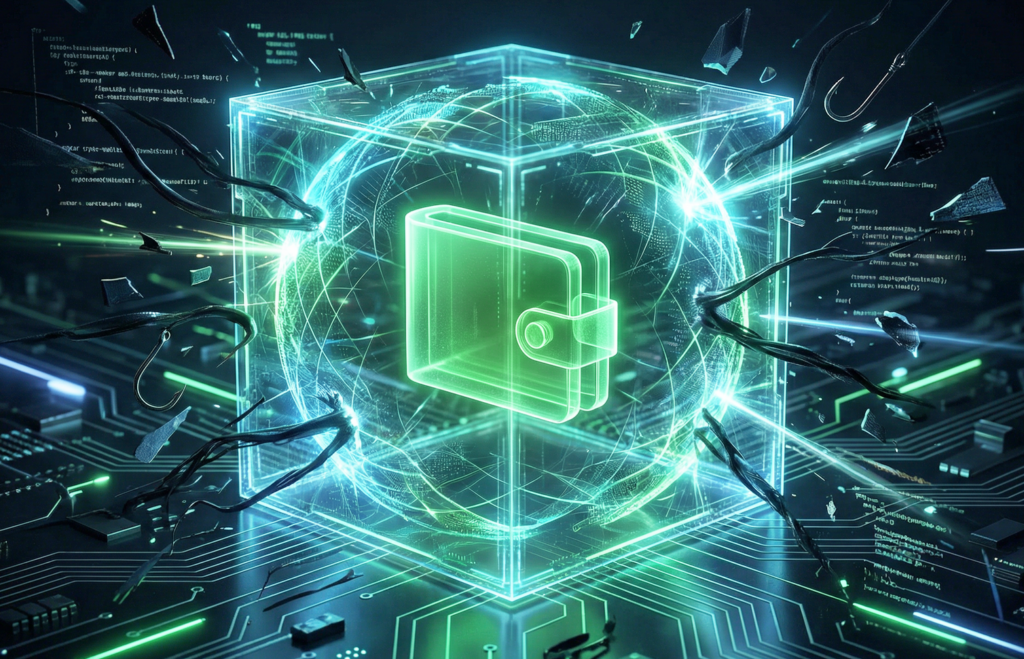



A crypto wallet is your digital storage for cryptocurrency — like a bank account, but virtual. It allows you to store, send, and receive cryptocurrency. Every wallet has an address (like a card number) for receiving funds and a private key (like a PIN code) for accessing it. How secure it is determines how safe your money is.
Why crypto wallet security is non-negotiable
If your wallet is hacked or you lose your keys, the money is gone forever. In crypto, there is no bank to reverse a theft and no support service that can restore access. That’s why wallet security is the only way to protect your funds.
Hardware wallets vs. software wallets: security comparison
Choosing a wallet depends on your priorities. If you store large amounts and security matters more than convenience, choose a hardware wallet (a physical device). For everyday transactions with small amounts, a software wallet — a mobile app — will do. What’s the difference?
Cold storage (hardware wallets)
Hardware wallets are physical devices used to store cryptocurrency. They look like a USB flash drive or a smart card. Their main advantage is that they are not connected to the internet, so hackers can’t reach them. This is the most secure way to store cryptocurrency. However, buy them only from trusted manufacturers and only original devices — counterfeits can steal your money. For example, Ledger (Nano X / Nano S Plus) is one of the most popular and well-proven wallets. It uses a Secure Element (like those in bank cards), supports thousands of assets, and works with DeFi and NFTs.
There is also Trezor (Model T/One) — fully open-source, with a high level of transparency and security. An excellent choice for those who value control and verifiable code. Keystone (Pro / Pro 3) offers maximum isolation: air-gapped, with no USB, Bluetooth, or Wi-Fi. It supports QR-code signing and multichain functionality and is designed for enhanced security.
To send funds from a hardware wallet, you need to connect the device to a computer or phone and confirm the transaction with a PIN code. The only downside is convenience: it’s not as easy as using a mobile app. You have to connect the device every time, and beginners need time to understand how it works. But if security matters more than convenience, a hardware wallet is the best choice.
Such wallets are used for cold storage — an archive for data that is needed rarely (once a month, once a year, or just “in case”). Powerful hardware is not required, so it’s cheaper. Files may open with a delay — that’s normal. Examples include old contracts and documents, medical records of closed cases, research results, and backups.
Cold storage is slow but cheap. You can store terabytes of archives for very little money.
Get More with Syndicate App


Hot storage (software/mobile wallets): how to use it safely
Hot storage is used when data is needed constantly and must open instantly. This requires fast drives, lots of RAM, and a powerful internet connection — all of which are expensive. That’s why only the most important and up-to-date data is stored “hot.” Examples include real-time banking transactions, server logs for live monitoring, and active project files used daily. Hot storage is fast but expensive. Use it only for what you need right now.
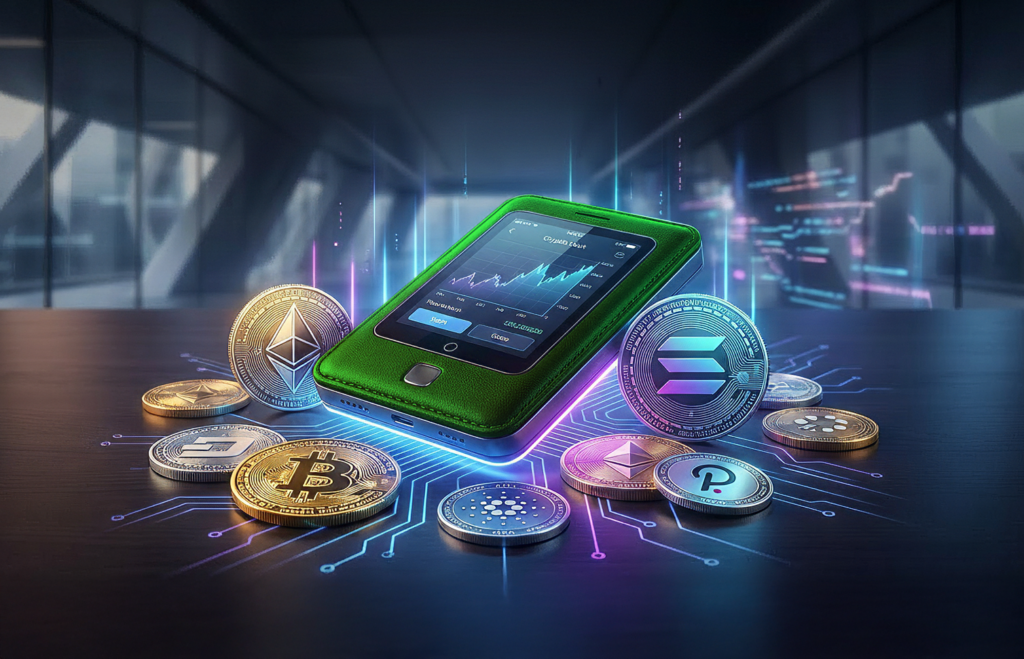
Software wallets (for example, Bitget Wallet) are more convenient than hardware wallets but less secure. To use them safely, regularly update the app and install a good antivirus.
Wallet security recommendations
Protecting your crypto wallet starts with simple steps. Follow these rules to keep your money safe.
Protecting your seed phrase and private key
The private key is the password to your crypto wallet. Never store it on a computer or phone connected to the internet — it can be stolen. Lose the key and you lose all your money forever. The safest option is cold storage: hardware wallets or simply writing the key down on paper.
A seed phrase is a set of 12 or 24 random words that gives full access to your crypto wallet. It is the master key to all your funds. When creating a new wallet (software or hardware), the system automatically generates a seed phrase and shows it once. You must write these words down on paper, in the correct order, and store them securely.
The seed phrase allows you to restore your wallet on any device. But if someone else learns it, your money will be stolen. Never store the seed phrase digitally (don’t take photos, don’t save it in notes).
Never share private keys, seed phrases, or wallet passwords with anyone, ever. It’s the same as handing over the keys to a safe full of cash. If someone gets this information, consider your crypto already gone.
Scammers often pretend to be exchange or wallet support and ask you to “confirm your details for security.” Remember: real support NEVER asks for your keys or seed phrase. If someone asks — it’s 100% a scam.
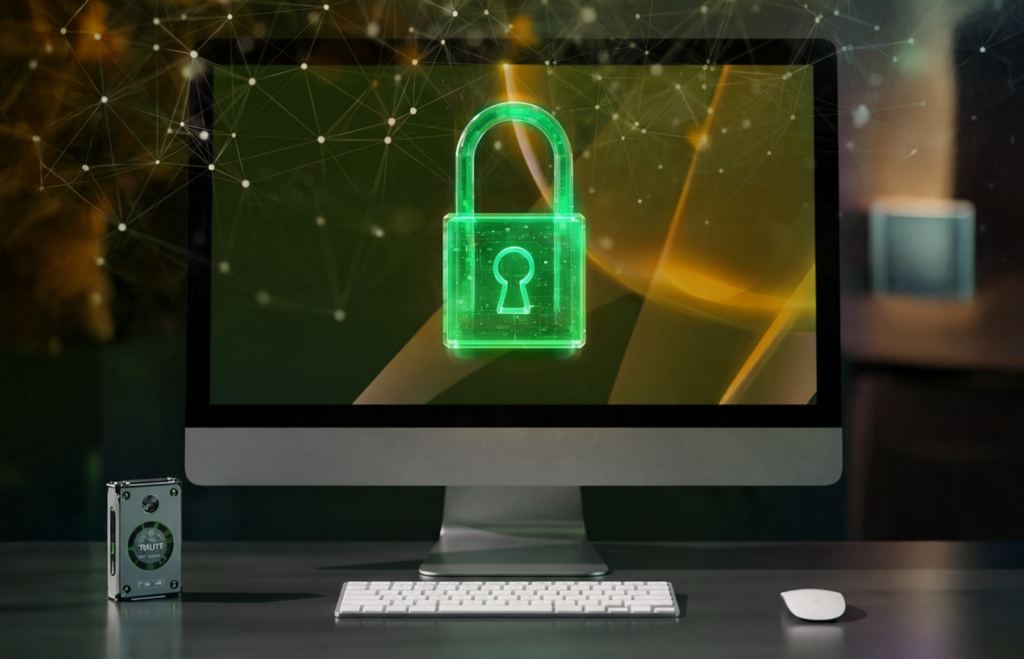
No matter which wallet you choose, follow these security rules:
- Regularly update the wallet app
- Use a strong, unique password (not the same as on other sites)
- Enable two-factor authentication (2FA)
- Store private keys offline and обязательно make a backup
Implementing two-factor authentication (2FA) and using strong passwords
The first rule of security is to create a strong, unique password and use it only for this wallet. Combine uppercase and lowercase letters, numbers, and symbols. Never use the same password for your wallet and other websites. Reusing passwords is a gift to hackers. Strong passwords are easy to forget, so use a password manager — a special program that securely stores all your passwords.
Be sure to enable two-factor authentication (2FA). This means you need not only a password to log in, but also a second confirmation via SMS or an app. It’s double protection for your wallet. Even if someone learns your password, they won’t be able to log in without the second factor. Usually, it’s a one-time code sent to your phone or generated by an app.
There are several 2FA options:
- SMS codes (sent via text message)
- Authenticator apps (Google Authenticator, Authy)
- Hardware keys (physical devices)
Choose the option that’s most convenient for you, but remember: any 2FA is better than none.
Phishing and social engineering attacks
Crypto wallets are a prime target for scammers. You can be hacked, tricked by phishing, or infected with malware. The result is the same — losing all your money. And given the value of some cryptocurrencies, the losses can be huge.
Hackers constantly invent new attack methods. They use malware, manipulate people (this is called social engineering), and create fake websites and emails. The goal is to trick you into giving up your password or wallet keys. Phishing is especially common: you receive an email supposedly from an exchange or wallet asking you to “confirm your details” — and you end up handing scammers access to your funds yourself.
Learn to recognize phishing — scammers are getting smarter. Always check the website address (look for extra letters or typos), don’t click links from suspicious emails or messages. Install an ad blocker and anti-phishing extensions in your browser.
Additional tips for maximum wallet protection
Regularly check your wallet’s transaction history — this helps you spot suspicious transfers early. Pay attention to unusual activity: funds sent to unknown addresses or received from unknown sources. The sooner you notice something suspicious, the better your chances of saving your money.
Set a strong password on your phone and computer. Never share your keys or seed phrases — even if the person seems trustworthy.
Crypto wallet security is not an optional feature — it’s a necessity. Without protection, you risk losing all your funds.
Never access your crypto wallet over public Wi-Fi in cafés, airports, or shopping centers. These networks are easy to hack — attackers can intercept your data and steal your money. If you urgently need to check your wallet outside your home, use a VPN (virtual private network). It encrypts your data and protects it from interception. Or simply use mobile internet — it’s safer than public Wi-Fi.
Enable transaction notifications — they’ll be sent to your phone every time funds are sent from or received by your wallet. See a suspicious transaction? Immediately change your password, move funds to a new wallet, and contact support.
Share this post
Link copied!