




Data_hive turns your data into passive income — effortlessly. Your chance to get in early, before millions hear about it.
Data_hive is a decentralized protocol and ecosystem designed for data monetization and AI integration within Web3. Users securely share anonymized data and earn rewards in return.
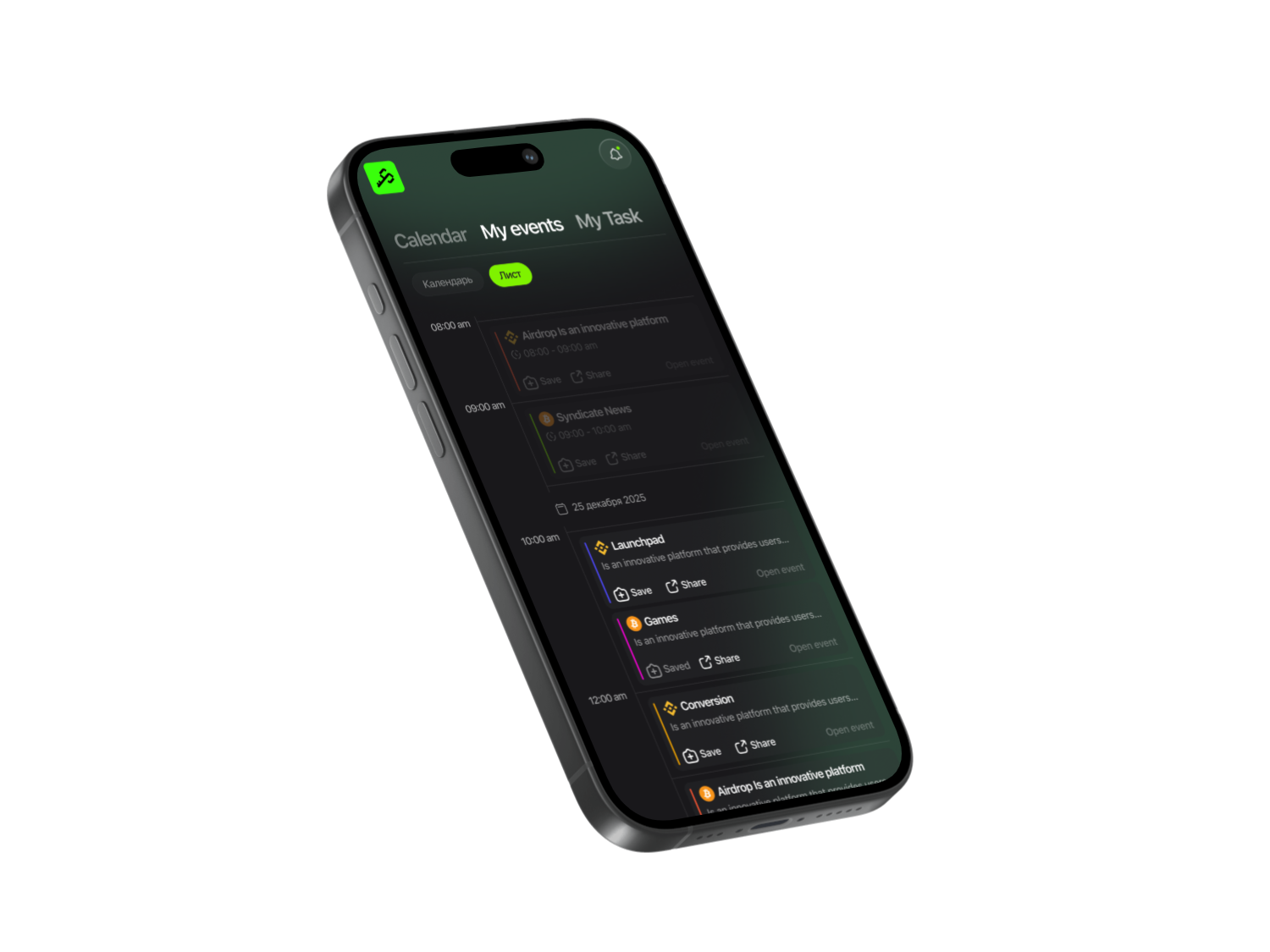
Open the Syndicate app, search for Data_hive, and subscribe so it’s saved in your history. You’ll receive real-time notifications about updates and earn more points through the app. We’ve also prepared detailed step-by-step guides for all trending projects to help you qualify for generous future airdrops.
Get More with Syndicate App


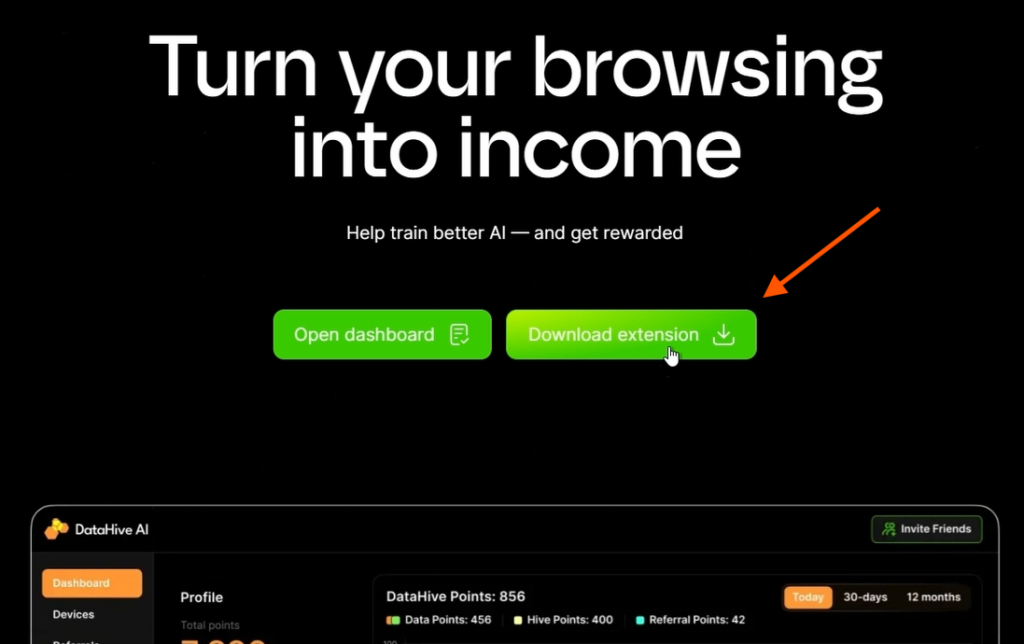
In the full project guide inside the app, find the official website link, follow it, and click Start Earning.
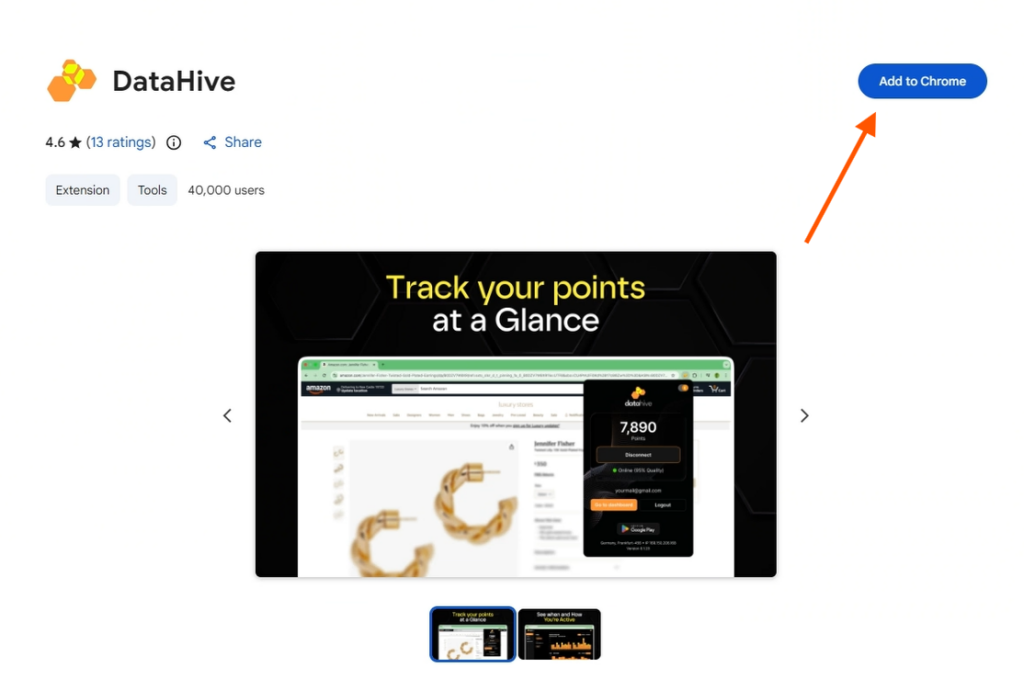
Download the browser extension by clicking Download Extension, then Add to Chrome, and confirm with Add Extension to install it.
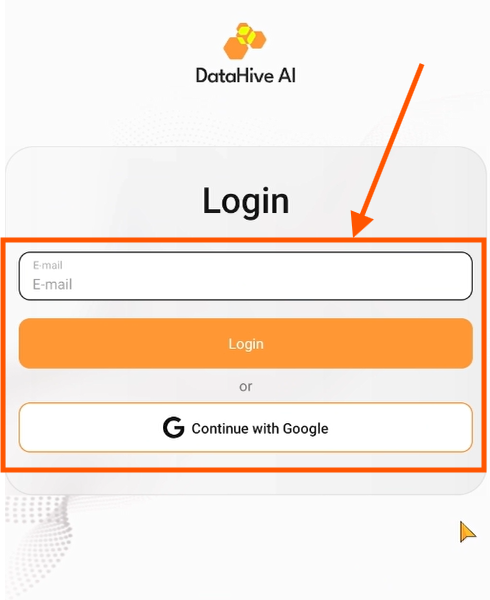
Open your browser’s Extensions tab, launch Data_hive, and sign in using your Google account or email.
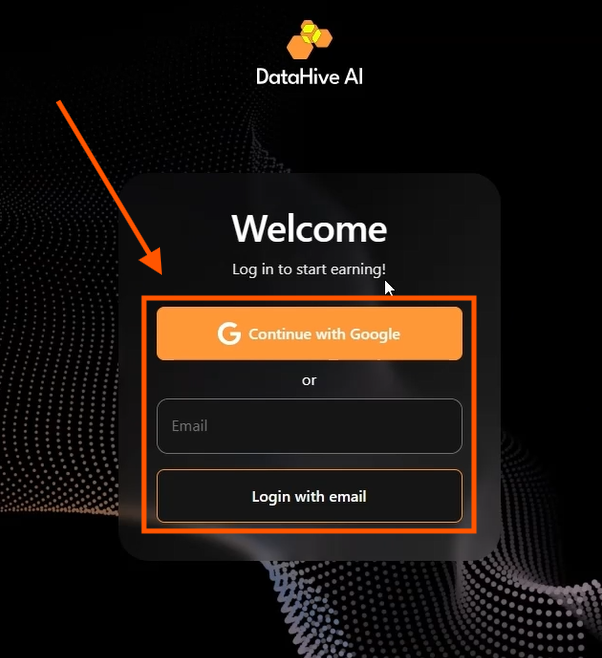
If you have a referral code, enter it. If not, feel free to use ours: k38q58r.
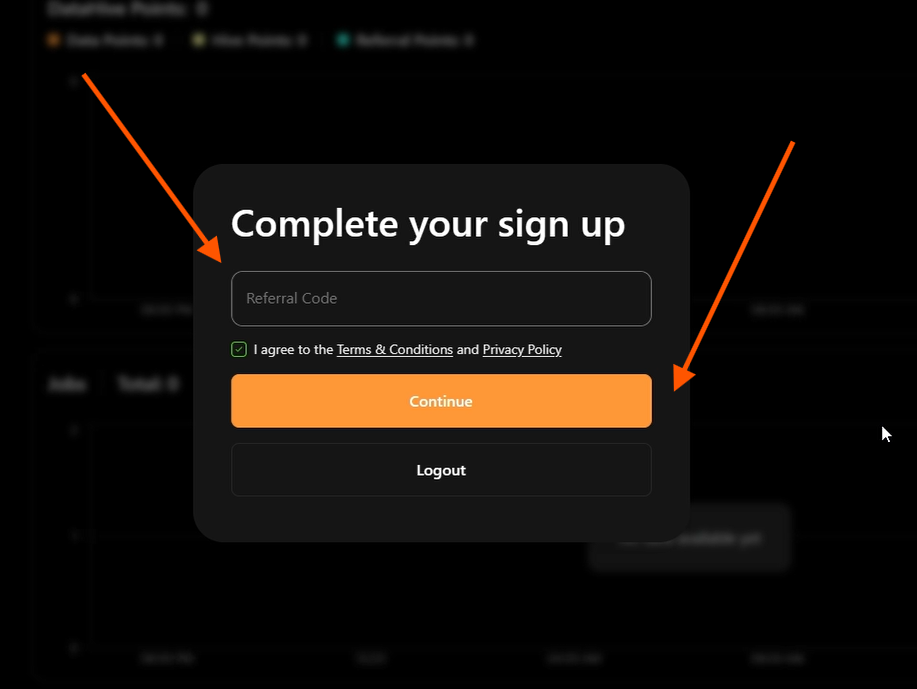
After logging in, you’ll be taken directly to the project dashboard.
In the Devices section, you’ll see your connected devices. You can connect multiple devices, but they must use different Wi-Fi networks — for example, your computer on home Wi-Fi and your phone on mobile data. You’ll receive base points immediately after registration, and additional points will accumulate automatically while the extension runs in the background.
Referrals
In the Referrals section, you can track your invited users. Click Get Referral Link, copy it, and share it with friends — or post it directly on X or Telegram. Exclusive rewards are expected for referrals, most likely a percentage of the tokens earned by invited users.
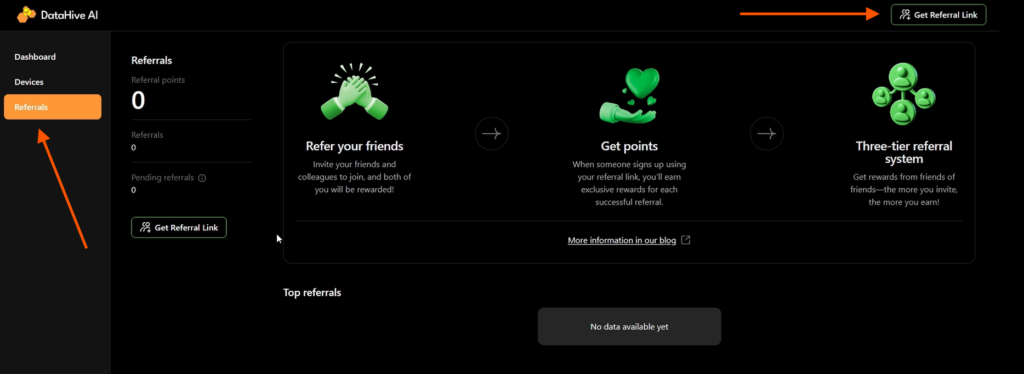
The Dashboard shows your total accumulated points. When you open the extension, you’ll see the status of your connected node — make sure it’s always online. The online status confirms that your points are actively accumulating. You’ll also see your total earned points here.
Install the Mobile App
Go to Google Play, search for Datahive, and tap Install. (The iOS version is not available yet.)
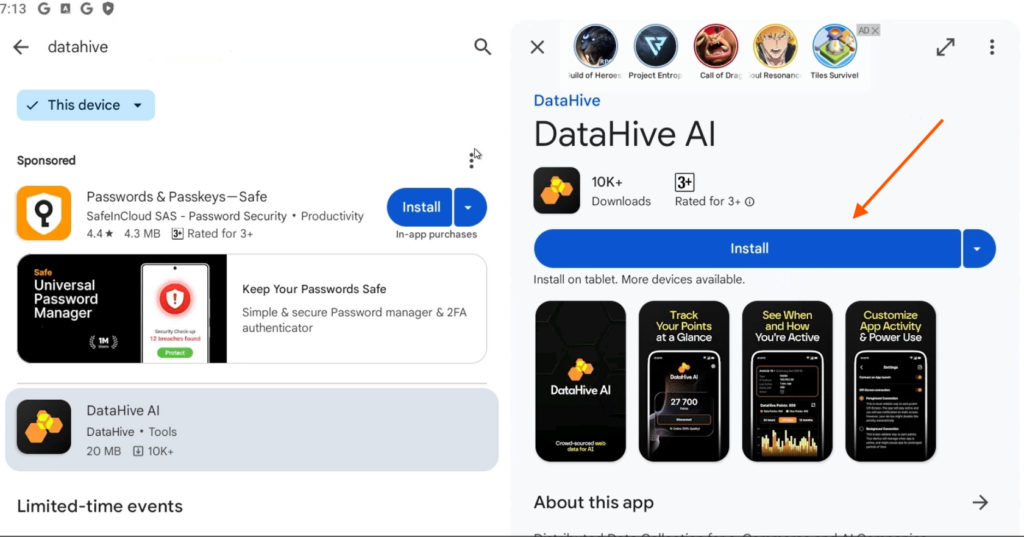
Once downloaded, the app will open automatically. Review the quick onboarding guide and sign in with your Google account.
Your profile will sync with your mobile device, helping you accumulate points faster. The mobile app offers the same core functionality as the web version.
In the Devices tab, you’ll now see two connected devices.
Additional activities may be introduced in the project, so make sure to follow Data_hive in the Syndicate app and stay connected to our social channels. That way, you’ll be among the first to hear about updates and drops — and among the first to claim your rewards.

Share this post
Link copied!