




One Balance is a platform that unites various blockchain networks into a single balance. It uses smart automation and its own infrastructure for fast operations. You work with WEB3 assets through one window – quickly, conveniently, and automatically.
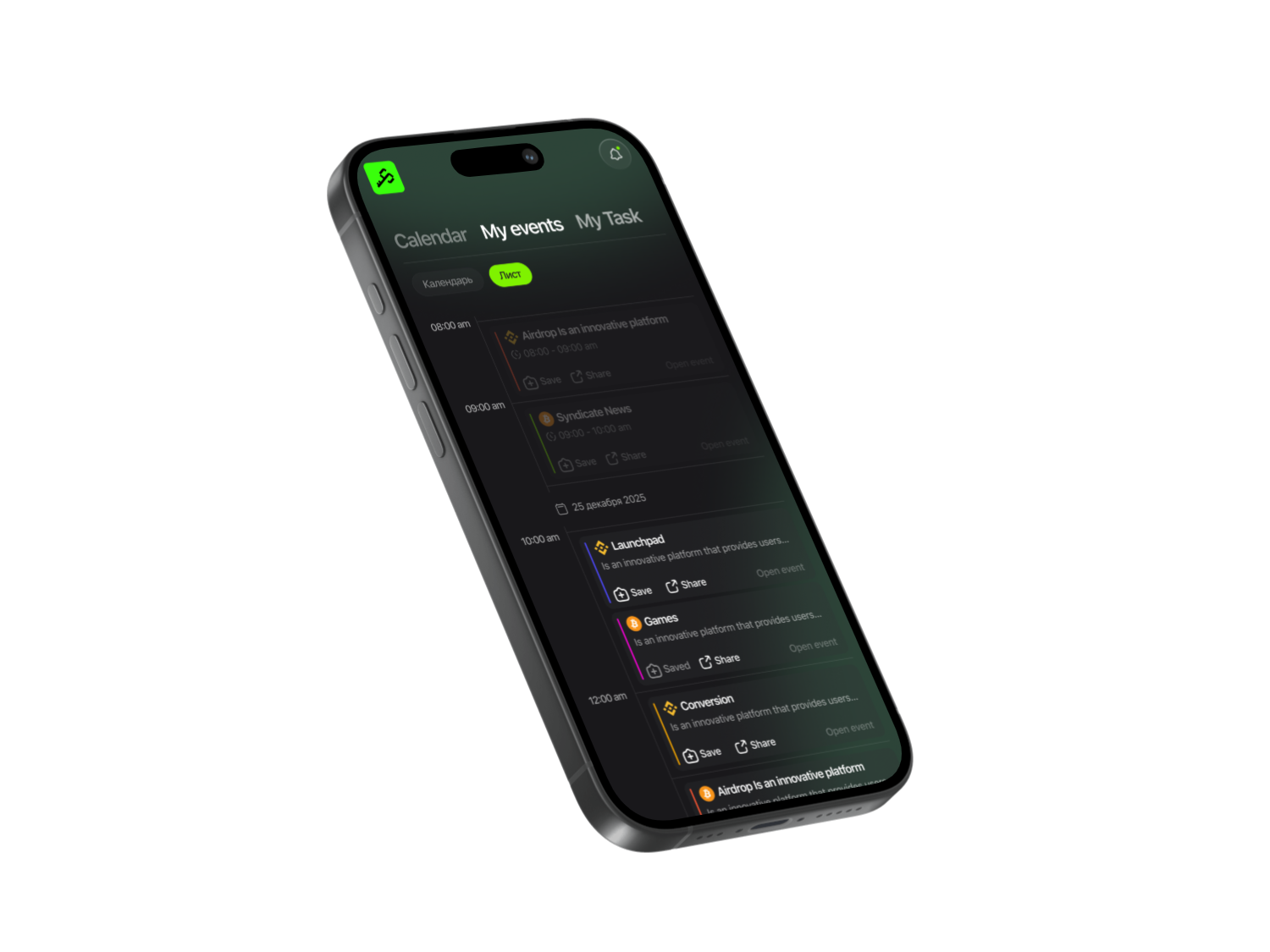
In the Syndicate app, go to the “Projects” section and find the One Balance — click on the provided link to go to the project’s website.

Important information
The app saves the history of all your actions, and most importantly, you can receive notifications about new projects.
Create Account
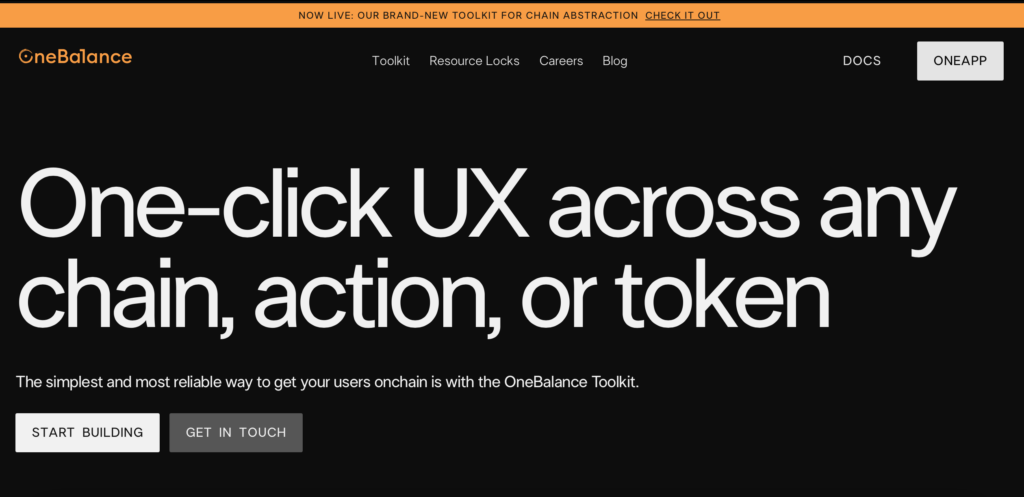
Click OneApp in the top right corner. If you’re already registered, you can log in. Otherwise, you need to create an account. You’ll land on the registration page Create Account and enter a nickname.
Verification
The project team asks you to verify graphic keys (Face ID or Touch ID) for secure transaction confirmation.
Getting familiar with the platform
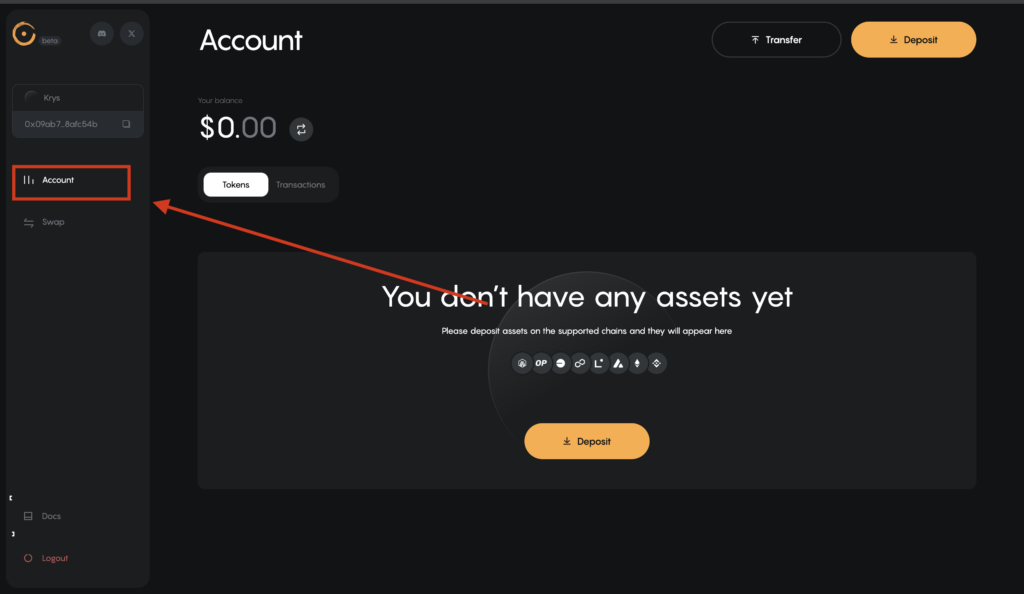
- Click Explorer Account.
- Review the functionality and familiarize yourself with the rules.
Funding your account
Prepare your crypto wallet in advance.
- Check if your network is supported on this platform.
- Click the deposit button.
- Select a token (for example, BNB).
- Insert your wallet address.
- Specify the deposit amount.
- Confirm the transaction.
- Wait for the funds to be credited.
We recommend periodically refreshing the page to check your balance.
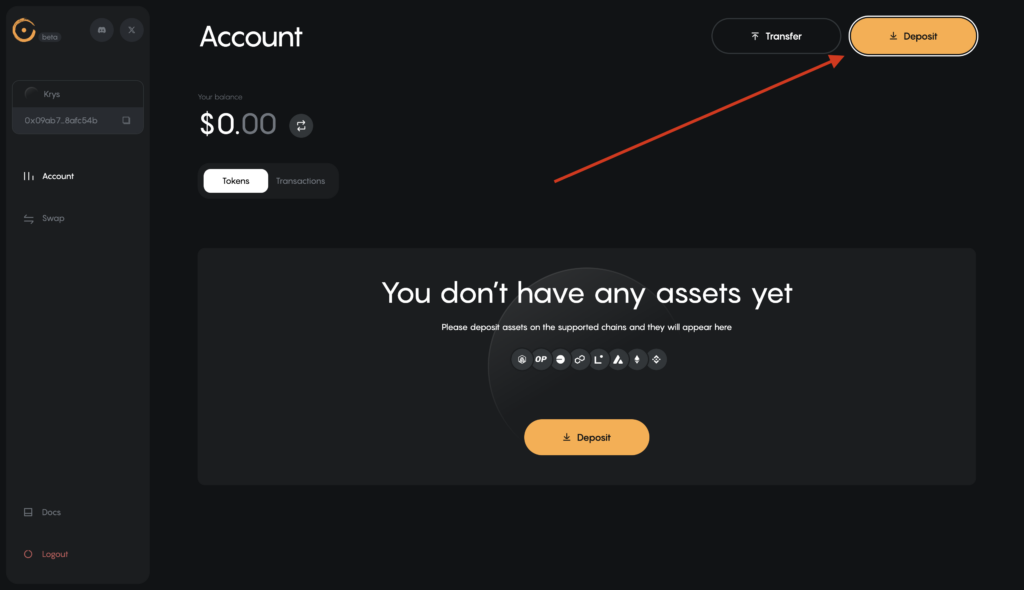
The next stage is to perform a swap (conduct transactions to exchange tokens).
Recommended strategy
- The total volume of your transactions should be $200-300
- If you have $50, you need to conduct 6 such transactions
- Repeat these activities every 2-3 weeks
Sometimes there are delays when conducting transactions — just retry several times.
Swap
The system offers a huge selection of tokens that can be used for transactions.
Swap example:
- Go to the Swap section.
- Select a pair (for example, ETH → USDC).
- Specify the amount.
- Confirm with your key.
- Wait for the transaction to complete.
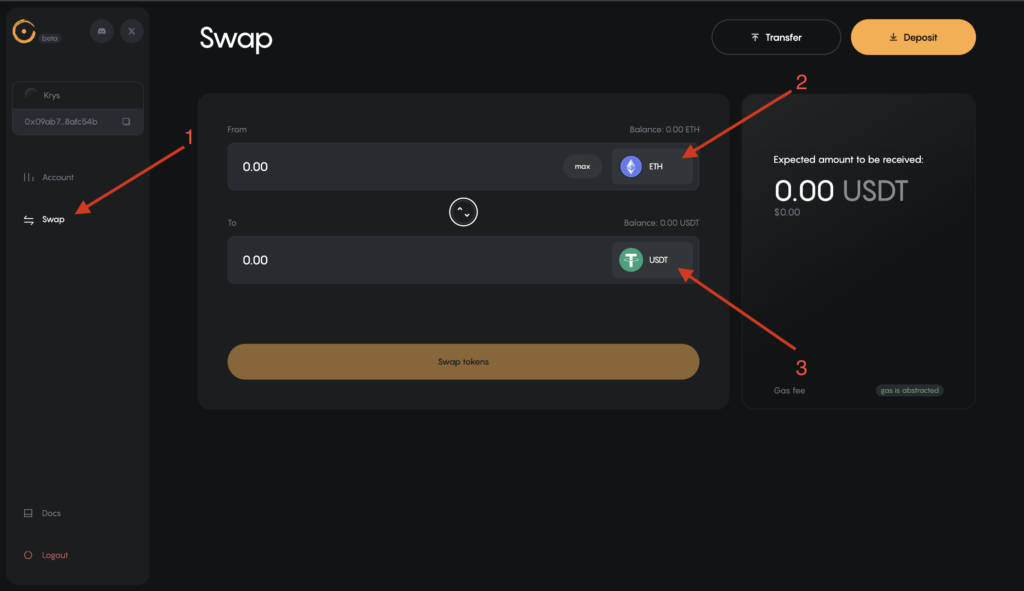
All your transactions can be viewed in the activity history.
Final step: withdrawing funds to your wallet
- Click Transfer in the upper right corner.
- Insert the wallet address where you want to receive funds.
- Specify the number of tokens.
- Select the network according to your wallet.
- Click Confirm Transfer.
- Confirm with your key.
- Wait 5-10 minutes to receive the tokens.
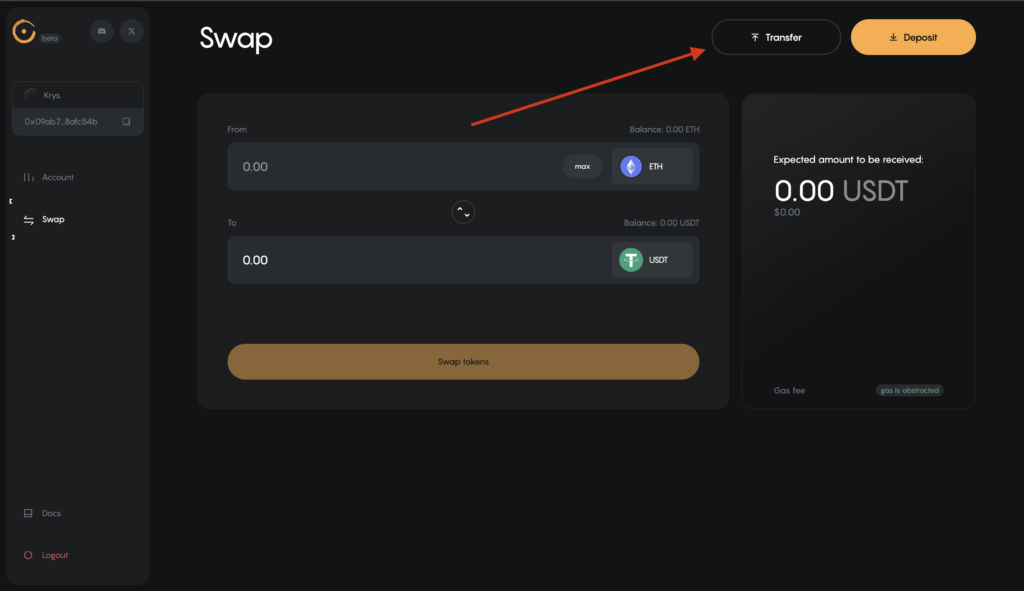
Important information
To further warm up your account, you need to periodically visit the platform — once every 2-3 weeks — and perform the same activities to maintain your activity over weeks and months.
Activities in Discord
Join the project’s channel. To confirm and join this Discord, you need to accept all platform rules. After that, go to the Verification button and click Verify.
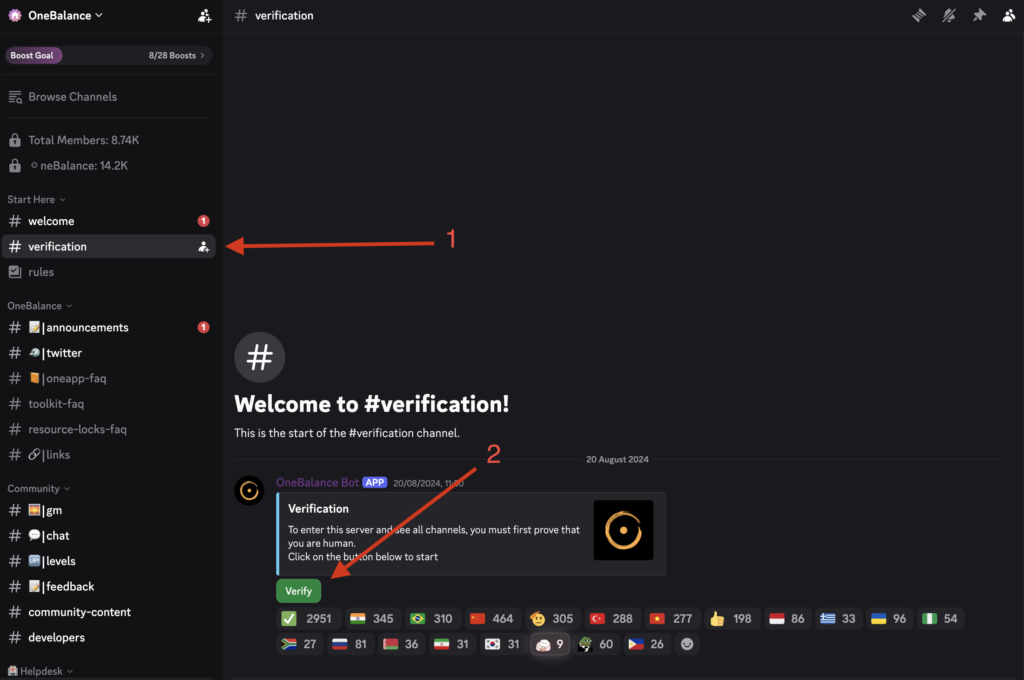
A code will appear that you need to enter in the window.
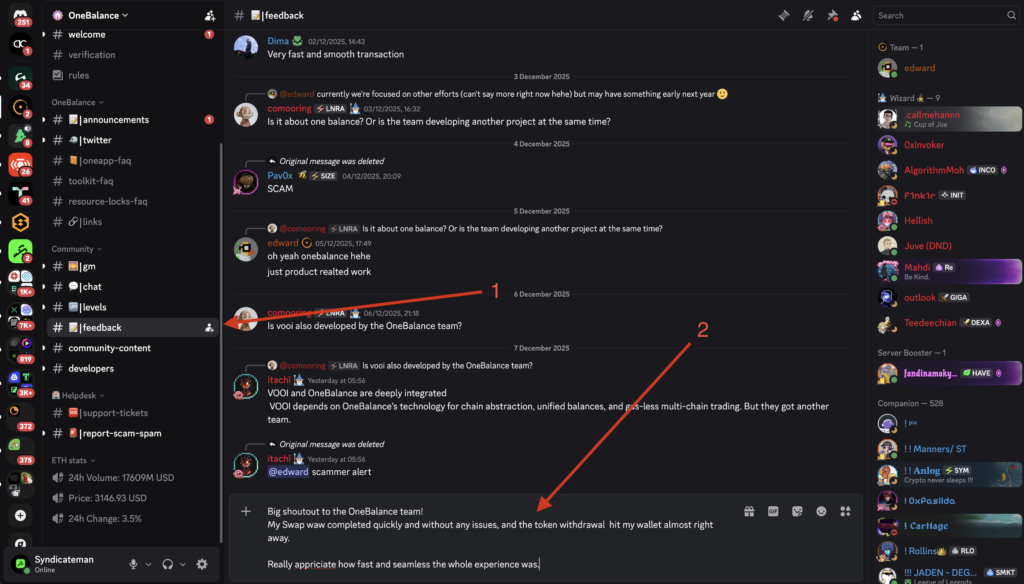
After confirmation, leave feedback in the chat about completing the activities and share your experience using the platform (not simplified phrases, but detailed feedback). The project notices this and will grant you special roles in the future. The Wizard role can be obtained for activity on One Balance’s social networks (X, Discord).
You will receive all project updates in the Syndicate app.
Watch a video with a detailed guide about the project One Balance on our YouTube.
Share this post
Link copied!